Lore
The Lore module is used to document your campaign's universe: geography, factions, religions, historical figures, legends. It is your private encyclopedia — the one the AI will draw upon to stay consistent when you generate scenes or NPCs.
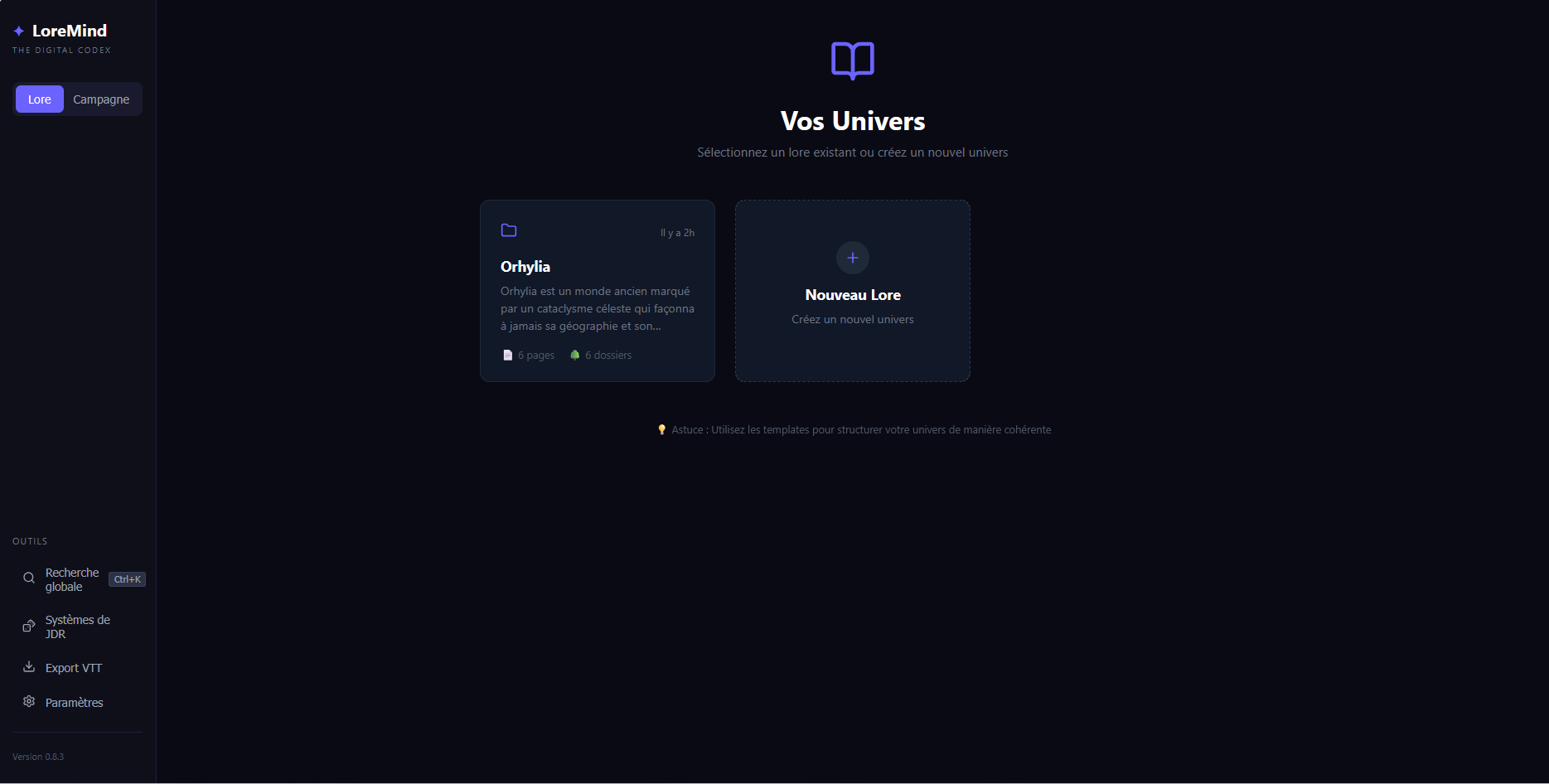
Here is what the home screen looks like:
warning
In the example above, a universe exists, but on your side you will not have any existing universe when you launch the application, which is normal (and therefore only the "new lore" button).
Concepts
- Lore — The name of the universe itself (e.g.: "Vermoria", "Eberron homebrew"). You can have several of them.
- Folder — a folder in the Lore hierarchy. Folders are nodes that can contain others (subfolders) or pages. They are used to organize your world.
- Page — a sheet typed by a Template. A "City of Vaeril" page can have History, Population, Factions fields, etc. The template would be a "city" template for such a page, for example.
- Template — the structure of a page. You define the fields (text, image, key/value list, table). All templates belong to a Lore.
Why templates?
Instead of entering free-form markdown, pages are structured by fields. Advantages:
- Visual consistency — all "Cities" have the same sections.
- Targeted AI generation — you can ask the AI to generate only the "History" field, drawing on the other fields as context.
- Reuse — a "City" template serves for all your cities.
Typical workflow
- Create a Lore
- Define 2-3 base templates: Continent, City, Faction
- Build the tree by nodes (e.g.: Kingdoms/North/Vaeril)
- Create pages within the nodes by choosing a template
- Fill in as you go, or ask the AI to generate
Detailed pages
- Creating your lore - How to create your lore
- Creating a folder — organizing your Lore's tree
- Creating a page — create a sheet manually or with the AI
- Templates and field types — Creating a template and its detailed usefulness
- Hierarchy and navigation — organizing a large volume of content