Creating a new lore
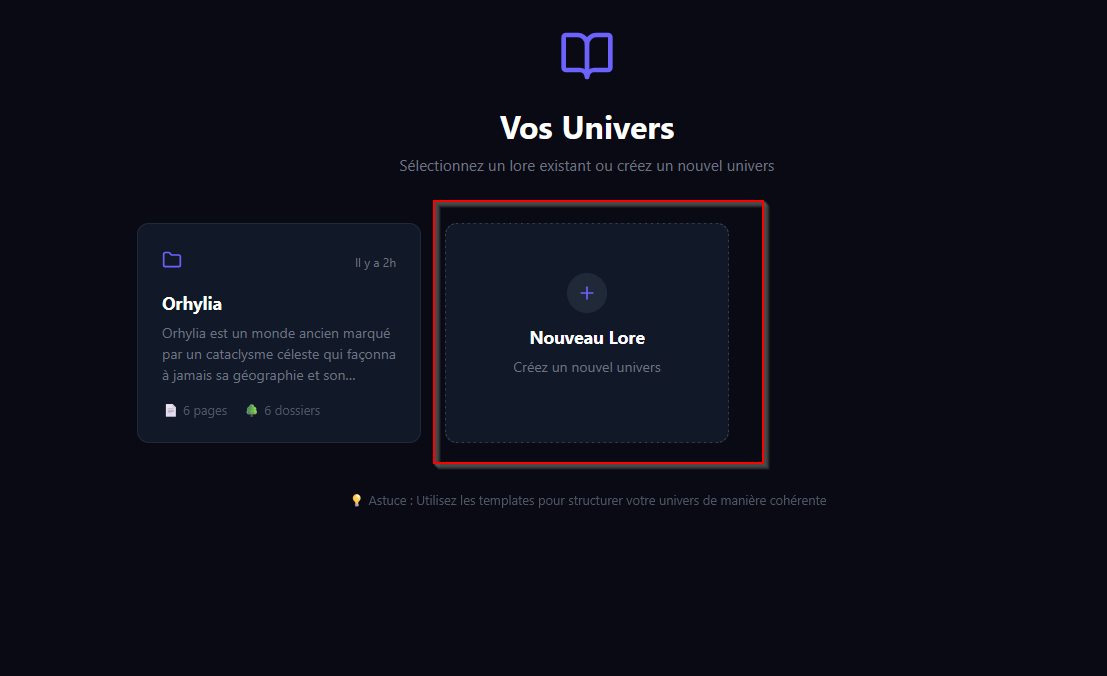
When you launch the application for the first time, you don't have any existing lore. Click the "New Lore" button to create your first universe:
A window will appear:
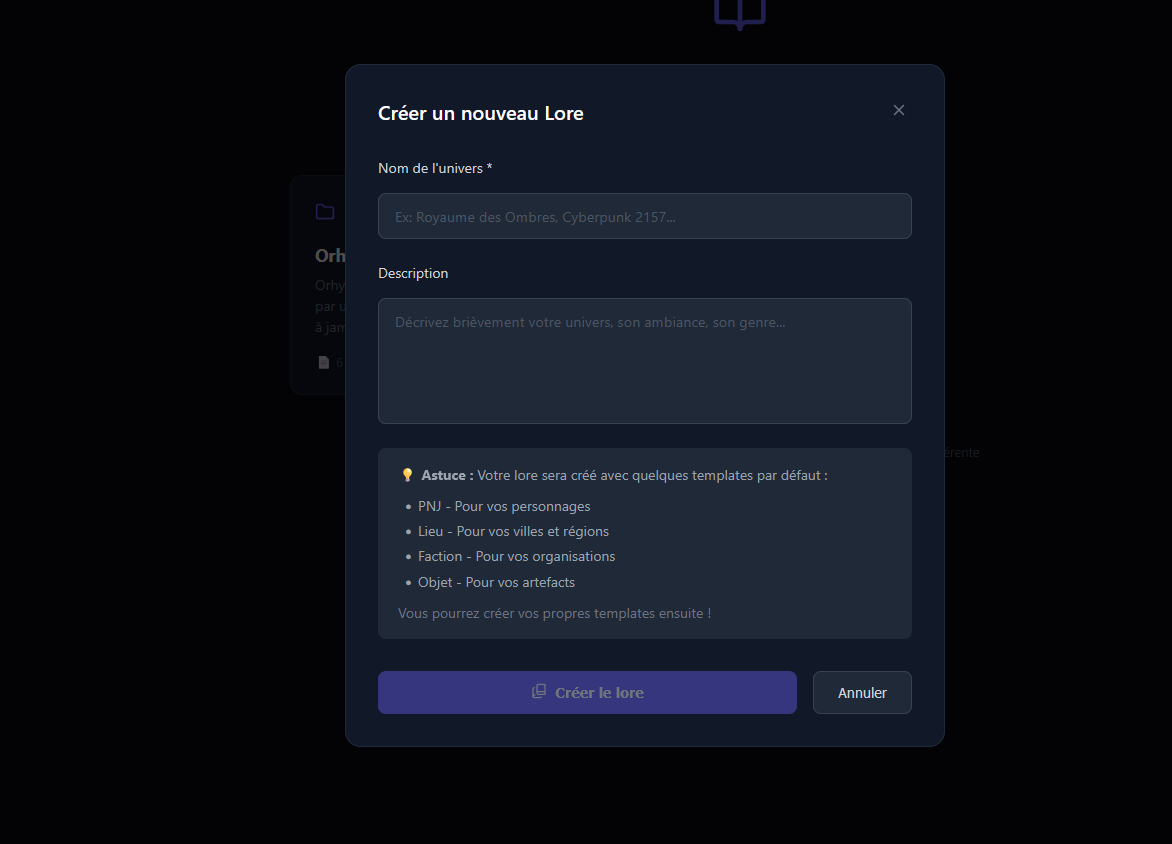
- Universe name — the name of your universe (e.g. "Vermoria", "Eberron homebrew").
- Description — a brief description of your universe. Describe its history as well as its atmosphere, for example.
Once your lore is created, you arrive on its home page with the folders and pages it contains:
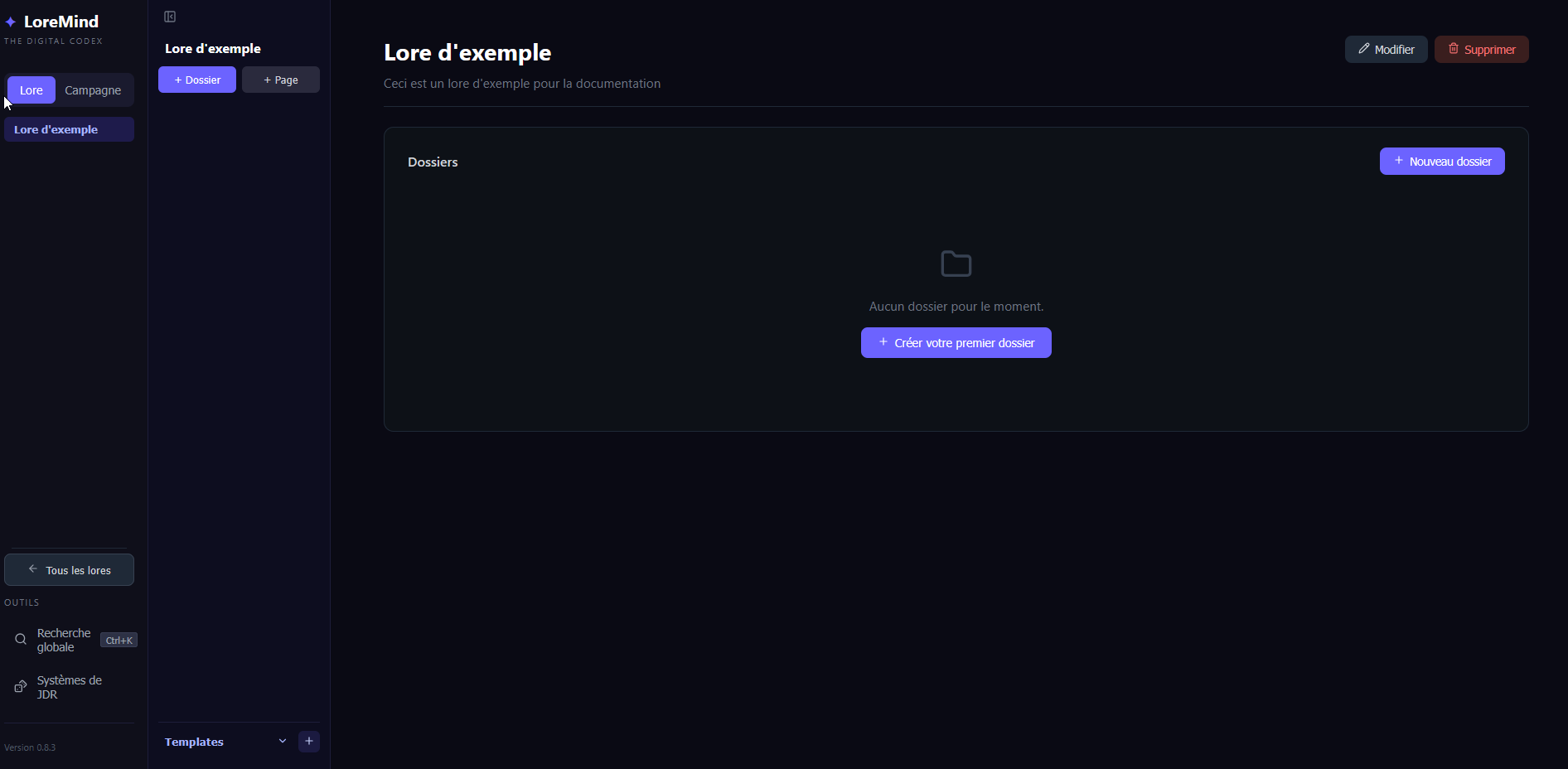
You can then create your first page or your first template.
warning
Before creating a page, you must first create either the parent folder or the template. That said, you can still start the page creation process. The program will offer to create the folder and the template for you.
I suggest heading to the folder creation section.